Upgrade to Pro & Plans

Enhance Your Photos with AI

Make blurry, old and low-quality photos look crystal clear in seconds with AI.

⭐⭐⭐⭐⭐ 4.9 (12,450 ratings)

Drop your photo here or click to browse

Supports JPG, PNG and WEBP (Max 10MB) • 100% Free & Secure

AI is enhancing your photo...

Reconstructing facial details, eye highlights, and sharpness

Analyzing image pixels & lighting... 5%
Estimated completion time: ~3 seconds

AI is enhancing your photo...

Reconstructing facial details, eye highlights, and sharpness

Analyzing image pixels & lighting... 5%
Estimated completion time: ~3 seconds

Your Photo is Ready!

Drag the slider below to compare before and after AI enhancement
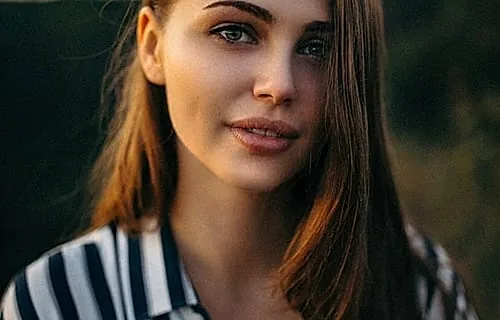
Original Photo Before AI Enhancement
Enhanced Photo After AI
Download Enhanced Photo

AI Photo Restoration Tools & Live Showcase

Compare real Before & After results generated by our specialized AI algorithms. Click any tool below to transform your photos online for free.

AI Photo Enhancer

Enhance Overall Photo Clarity & Fine Micro-Details

Our flagship AI Photo Enhancer automatically reconstructs facial features, restores eye highlights, sharpens soft edges, and balances exposure across low-quality digital photographs without distorting natural textures.

  • Reconstructs facial structures, hair strands, and skin pores
  • Automatic HDR tone mapping and noise suppression
  • 100% Free online batch processing engine
Try AI Photo Enhancer Free  
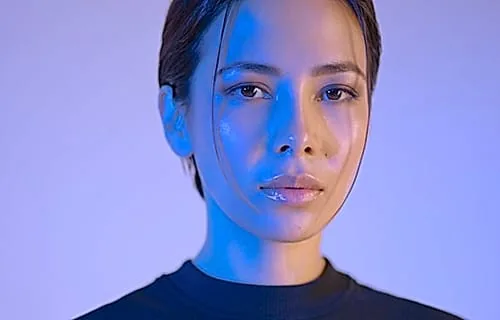
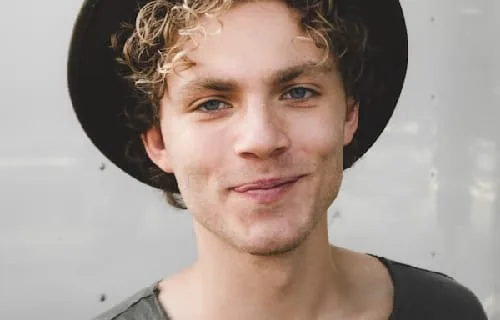
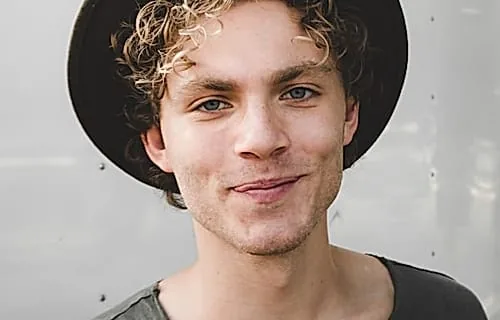
Original Photo Before AI Enhancement BEFORE
Enhanced Photo After AI AI ENHANCED
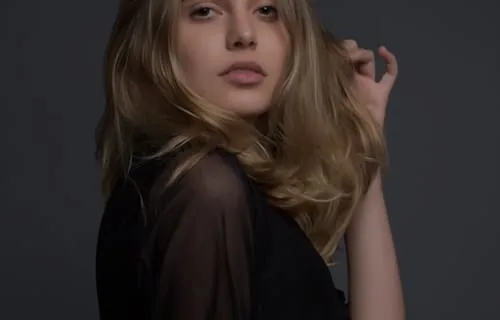
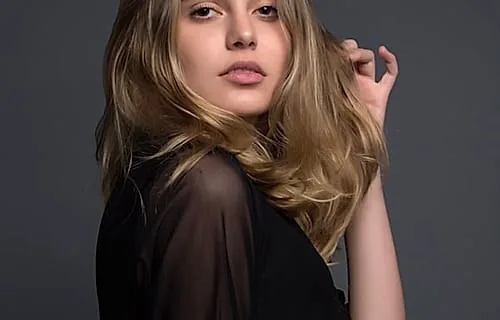
Blurry Photo Before AI Deblurring BLURRY BEFORE
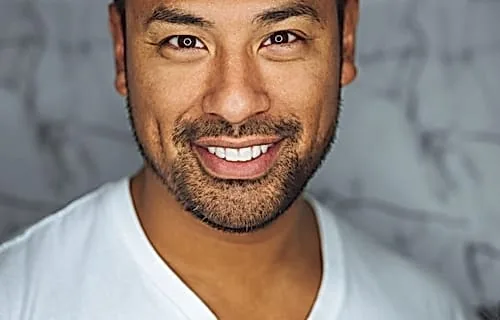
Unblurred Photo After AI Sharpening UNBLURRED
Fix Blurry Photo

Unblur Out-of-Focus Pictures & Motion Blur

Out-of-focus portraits, shaking camera blurs, and blurry text details are instantly corrected using our specialized edge-sharpening deep learning model.

  • Eliminates camera shake and lens focus blur
  • Sharpens facial features, iris details, and clothing edges
  • No artificial over-sharpening halos or pixel artifacts
Fix Blurry Photo Free  
Restore Old Photo

Repair Damaged, Scratched & Faded Vintage Portraits

Revive historical family heirlooms and old vintage photographs. Our AI repairs physical scratches, removes dust spots, fixes discoloration, and restores natural skin tones.

  • Scratches, tears, and discoloration automatically erased
  • Restores eye contact, facial clarity, and skin warmth
  • Preserves original film grain and historical character
Restore Old Photos Free  
Faded Old Photo Before AI Restoration FADED BEFORE
Restored Old Photo After AI AI RESTORED
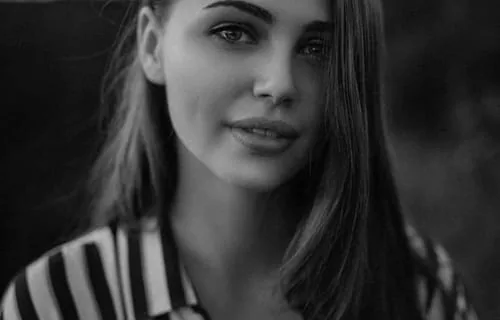
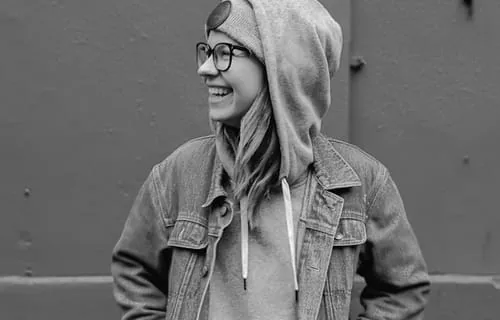
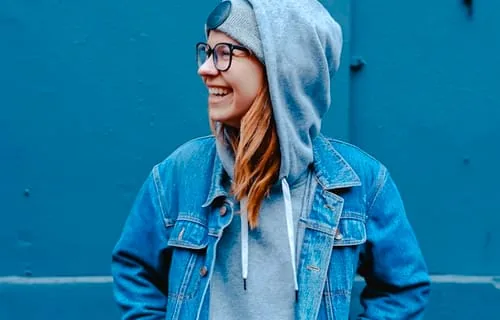
Black & White Photo Before Colorization B&W BEFORE
Vibrant Full Color Photo After AI Colorization VIBRANT COLOR
Colorize Black & White Photo

Convert Monochrome & Sepia Images into Vibrant Color

Transform black & white photographs into realistic, vibrant full-color images. Our AI analyzes contextual features to apply authentic skin tones, colorful clothing, foliage hues, and ambient lighting.

  • True-to-life skin tones, hair colors, clothing, and environment
  • Reconstructs rich color spectrums without blue tint distortion
  • Works on B&W, grayscale, and faded sepia images
Colorize B&W Photo Free  
AI Image Upscaler

Increase Resolution Up to 4K Without Loss of Detail

Super-resolution generative upscaling enlarges small, pixelated images into high-definition 4K master files while synthesizing realistic micro-textures and sharp lines.

  • Super-resolution generative detail synthesis
  • Upscales dimensions cleanly without blurring or pixelation
  • Ideal for printing, e-commerce, and digital archiving
Upscale Image Free  
Low Resolution Pixelated Photo Before Upscaling LOW-RES BEFORE
4K Super Resolution Photo After Upscaling 4K UPSCALED
Dark Underexposed Photo Before AI DARK BEFORE
HDR Studio Light Enhanced Photo After AI HDR ENHANCED
Enhance Quality & Lighting

Studio-Grade Exposure, HDR Tone Mapping & Color Grading

Recover lost details in dark shadows, control blown-out highlight areas, and apply professional studio color grading across portraits, landscapes, and product photos.

  • Lifts dark shadows without introducing digital grain
  • Balances harsh backlight and recovers sky details
  • Professional color tone correction in seconds
Enhance Quality Free  

How AI Photo Enhancement Works

1

Upload Your Photo

Drag and drop any JPG, PNG or WEBP photograph securely from your device.

2

AI Enhancement

Gemini AI algorithms analyze lighting, facial features, and sharpness in real-time.

3

Compare & Download

Inspect your before & after comparison slider and download in high resolution.

Complete Guide & AI Technology Overview

The Definitive Guide to AI Photo Restoration, Unblurring & Image Quality Enhancement

Discover how deep learning neural vision models transform low-resolution, blurry, damaged, and black-and-white photographs into high-definition digital masterpieces online for free.

1. What is AI Photo Enhancement and How Does It Work?

Digital photography has evolved rapidly over the past two decades. However, millions of cherished memories remain trapped in low-resolution cell phone photos, out-of-focus portraits, faded physical family archives, and blurred camera shots. Traditional photo editing tools like Adobe Photoshop rely on manual filters, sharpening masks, and noise reduction sliders that often introduce harsh digital halos or artificial artifacts.

YoyoMedia AI Photo Enhancer takes a revolutionary approach powered by generative deep neural vision algorithms. Rather than blindly increasing contrast or pixel sharpness, our neural networks analyze the semantic structure of your image. The AI recognizes human facial features, iris reflections, skin pores, hair strands, fabric weaves, and background elements, intelligently synthesizing missing micro-details while suppressing digital noise and compression artifacts.

2. Specialized AI Tools for Every Image Restoration Need

Different photo quality issues require targeted artificial intelligence models. Here is how our suite of specialized online tools solves specific photo defects:

AI Photo Enhancer

Automatically balances overall lighting, lifts dark shadows, enhances portrait facial clarity, and restores crisp eye contact across low-resolution digital photographs.

Fix Blurry Photo & Unblur Images Online

Employs motion-deconvolution deep learning to reverse camera shake, lens blur, and out-of-focus portrait shots, delivering razor-sharp facial features and clean edges.

Restore Old Photos & Scratch Repair

Designed for vintage physical prints and scanned historical heirlooms. Erases surface scratches, repairs paper tears, removes yellow age fading, and restores authentic film texture.

Colorize Black & White Photo

Transforms monochrome, grayscale, and sepia vintage photos into vibrant full color. Uses contextual deep vision to synthesize natural skin tones, hair pigment, fabric colors, and foliage hues without blue tint distortion.

AI Image Upscaler (Up to 4K Super-Resolution)

Enlarges small thumbnails and low-megapixel photos up to 4K high-definition resolution without introducing blur or pixelation, perfect for printing and e-commerce.

Enhance Image Quality & HDR Tone Mapping

Applies studio-grade HDR exposure control, shadow recovery, and professional color grading across backlit portraits and landscape photographs.

3. Step-by-Step Guide: How to Enhance a Photo Online in 3 Simple Steps

  1. Step 1: Upload Your Image — Drag and drop any JPG, PNG, or WebP photo into the secure upload dropzone on YoyoMedia Photo AI.
  2. Step 2: Automated AI Neural Processing — Our server automatically selects the optimal neural model, executing facial reconstruction, sharpness correction, and noise suppression in under 3 seconds.
  3. Step 3: Compare & Download — Drag the interactive Before & After comparison slider to inspect fine details, then click Download to save your high-resolution enhanced photo.

4. Feature Comparison: YoyoMedia AI vs. Traditional Photo Editors

Feature / Metric YoyoMedia Photo AI Manual Photoshop Editing
Processing Speed Instant (~3 Seconds) 30 to 60 Minutes per photo
Skill Requirement 100% Automated (Zero Skill Needed) Advanced Graphic Design Expertise
Facial Feature Reconstruction Deep Neural Feature Synthesis Manual Frequency Separation
Cost 100% Free Online Access $20.99/mo Adobe Subscription
B&W Colorization Accuracy Multimodal Contextual Color Synthesis Manual Color Layer Painting

5. Frequently Asked Questions (FAQ)

How does YoyoMedia AI Photo Enhancer improve image quality?

YoyoMedia AI Photo Enhancer utilizes deep neural vision algorithms to analyze low-resolution, blurry, or noisy digital photos. It reconstructs facial features, restores eye highlights, eliminates pixelation, sharpens edges, and applies HDR tone mapping automatically.

Is YoyoMedia Photo AI completely free to use online?

Yes, YoyoMedia Photo AI offers 100% free online access for enhancing, unblurring, restoring, and colorizing photographs directly inside your browser with zero registration required.

Can I unblur faces and fix blurry photos taken with a shaking camera?

Yes, our specialized Fix Blurry Photo tool uses deconvolution deep learning to reverse motion blur, camera shake, and soft lens focus, bringing crisp facial details and sharp iris highlights back to life.

How does the B&W photo colorization algorithm work?

Our AI Colorize tool recognizes semantic objects in monochrome or sepia photos—such as human skin, hair, garments, foliage, and sky—and synthesizes authentic, natural color spectrums without blue tint artifacts.

Are my uploaded photos safe and private?

Absolutely. YoyoMedia Photo AI employs SSL encryption and processes photos transiently. Your uploaded and enhanced photos are never sold or shared, protecting your privacy completely.

Send Feedback